Update Persona commits with no changes
When clicking the “Update Persona” button without modifying any fields, the system still saves the persona and displays a success message, even though no updates were made.
Steps to Reproduce:
Log in to connectsafely.ai.
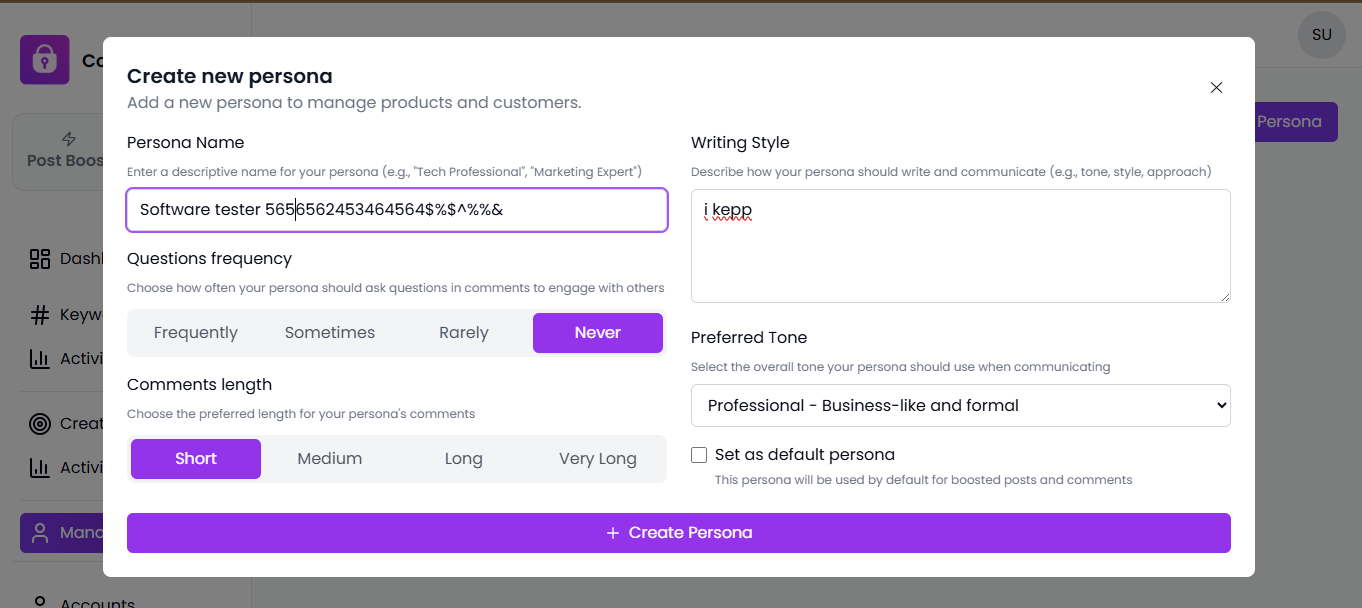
Navigate to Manage Personas → Edit Persona.
Open any existing persona.
Without changing any field values, click on “Update Persona.”
Expected Result:
The Update Persona button should be disabled, or a message such as “No changes detected” should appear when no modifications are made.
Actual Result:
The system executes the update action and displays a success confirmation, even though no data has changed.
Impact:
Leads to user confusion and triggers unnecessary backend API calls, reducing performance efficiency.
Severity:
Medium
Environment:
Browser: Chrome (latest)
Module: Manage Personas
Page: /update-persona
Status: Completed
Log in to comment and vote
No comments yet
Be the first to share your thoughts.